
Gasoline prices keep fluctuating and many vehicle owners like you are tired of searching for a cheap gas station. In this post, we will at the money-saving gas app called Upside.
Bonus tip! – Earn up to $50/month in cashback for using these two apps – Fluz and Fetch Rewards. That’s dinner for two, for free!
How do I download the Upside app?
Right now you can download the Upside app by clicking this Upside invite link and get a bonus cashback on your next gas purchase. If you want to go to the app store instead and don’t want the promotional twenty cents per gallon bonus discount, you can search for the Upside app in Google Play or the Apple App Store.
Does Upside save me money?
Absolutely! I can vouch for this Upside gas cash back app as I have saved thousands over the past 5 years. I explained with proof that Upside is a real app and how I got my cashback redeemed without any issues.
Upside app reviews
I have written a post just for reviewing Upside. You can also take a look at other user reviews at the app store and you can see that the rating is 4+ from thousands of real Upside users.
How much money can I save on gas using the Upside app?
You can save at least $500 every year. If you commute for work or are a professional driver, you can easily go beyond that amount. A frequent driver who drives 50 or more miles every weekday can expect to save around $700 every year.
If you are a truck driver, or a delivery driver, you can save even more like in the thousands on gas. Read how Uber Eats drivers can save money on gas in this post.
Common Pitfalls to Avoid When Using the App
While securing discounts on your weekly fuel fill-ups is straightforward, many users accidentally miss out on their accrued balances due to a few common procedural errors. Understanding these constraints ensures you always secure your cash-back reward:
- The Strict 4-Hour Upload Window: Once you click the claim button for a specific gas station location inside the interface, you have a fixed 4-hour window to complete your purchase. If you pump your fuel after this timer expires, the tracking token invalidates, and you will not receive credit for the transaction.
- Always Pay with a Linked Card: The platform tracks transactions by matching the station’s merchant data with the last four digits of your payment card. If you pay with unlinked cash or a gift card at the pump, the automated system cannot verify your purchase, causing your rebate claim to get rejected.
- Watch Out for Small Processing Fees: While the application is entirely free to download and use, withdrawing small amounts can eat into your margins. If you request a payout below the $10 threshold for PayPal or bank transfers, a small processing fee is deducted. Accumulating your balance past $15 completely waives these fees.
Advanced Strategies for Higher Fuel Payouts
To maximize your returns beyond the standard base discount offers, look out for corporate event stacking windows:
- Combine with Grocery Loyalty Programs: You can use your regional grocery store fuel points at the pump to lower the initial price per gallon, and then pay the remaining balance with your linked credit card to secure the application’s cash-back rebate on top.
- Monitor First-Time User Inclusions: The application regularly distributes unique temporary bonus multipliers during major holiday travel weekends. Stacking these seasonal bonuses with your standard card rewards can easily double your total savings per trip.
Conclusion on Upside Gas Saving App
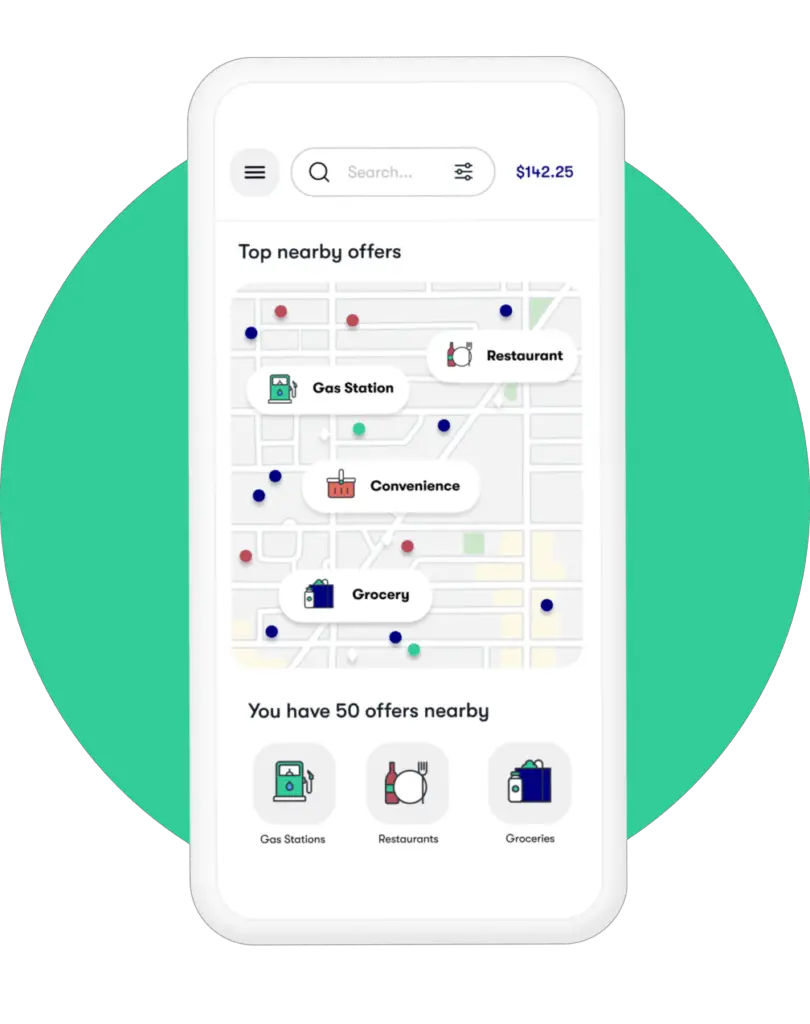
Upside can save you money on gas. Use this app to earn cash back on groceries and restaurant purchases too! Read more about the app on Upside website.