You probably already know that Upside offers great cash back at the gas pump, but finding a complete list of upside app participating stores—including grocery markets and local restaurants—can save you even more money. Well, actually, a lot of people miss out on food cash back simply because they don’t know which local spots are on the network.
Whether you are hunting for an active Upside app promo code 2026 or trying to track down participating Upside app gas stations near me, checking the live map inside your app before heading out ensures you never miss a cash-back fill-up.
In this guide, I’ll walk you through the major gas chains, grocery markets, and restaurant brands on the platform—plus how to find participating locations near you in under a minute.
What Stores Participate in the Upside App?
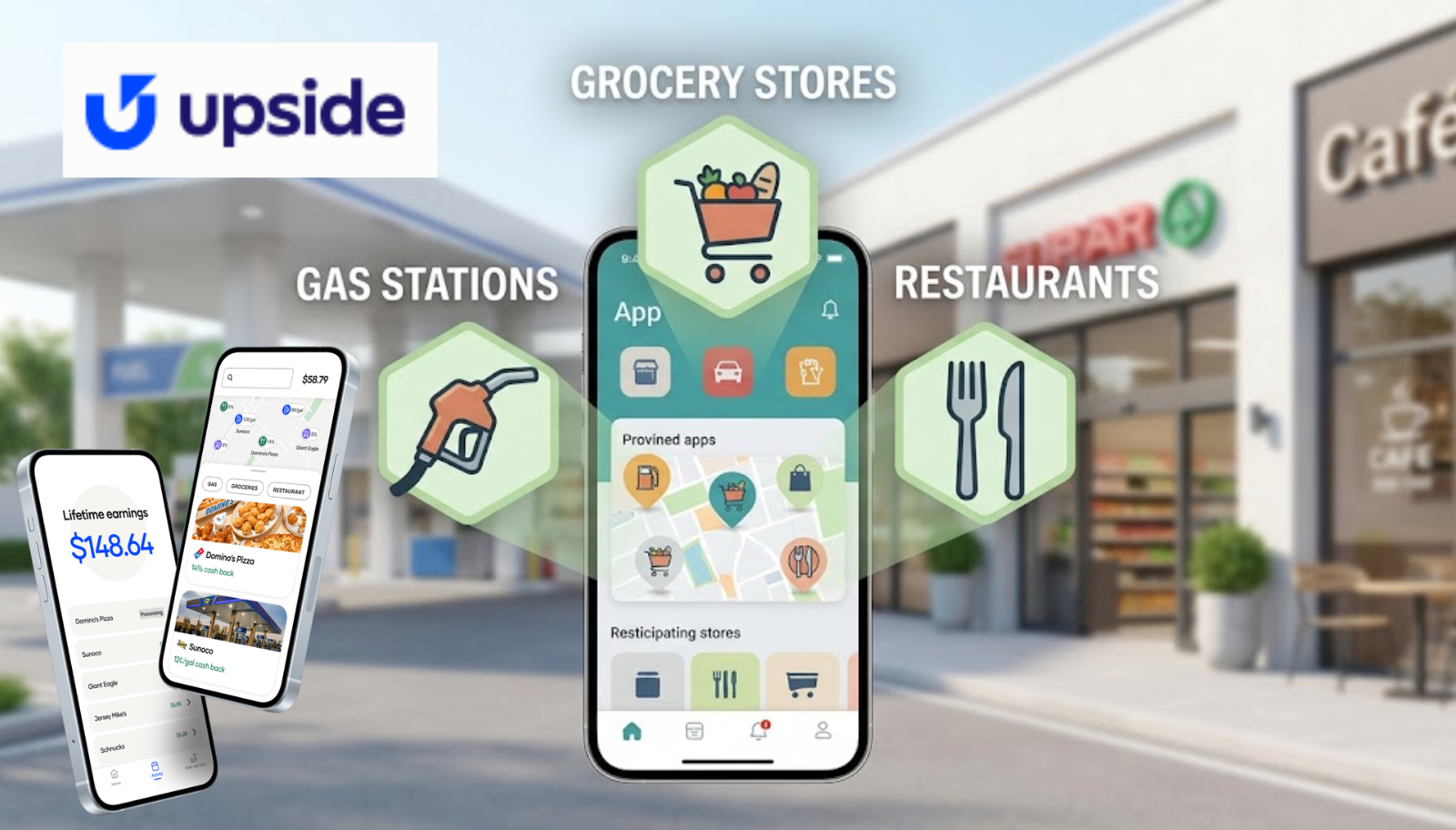
Upside partners with thousands of regional and national brands across three primary categories: fuel, food, and grocery.
While exact availability depends on your specific city or zip code, here are the major nationwide and regional partners you’ll commonly find inside the app:
1. Participating Gas Stations & Convenience Stores
Upside covers major fuel brands across the United States. You’ll frequently see offers at:
- BP & Amoco
- Shell
- Chevron & Texaco
- Exxon & Mobil
- Circle K
- 7-Eleven & Speedway
- Sunoco & Valero
Wondering which specific gas stations that use Upside include regional favorites like Wawa or supermarket fuel centers like Kroger? Always check the live map to see active regional participation.
If you’re trying to figure out daily transaction caps or pump cutoffs while fueling up, check out our guide on the Upside app gas limit per transaction to make sure you get full credit for every gallon.
2. Participating Grocery Stores
Note: While warehouse clubs like Costco operate on their own fuel rules, major regional grocery chains and select convenience markets offer steady cashback.
Grocery cash back has expanded significantly. Look out for regional supermarket chains like:
- CWT / C&S Wholesale Grocers
- Schnucks
- Piggly Wiggly
- Weis Markets
- Gelson’s
- Save A Lot
3. Participating Restaurants & Fast Food
Earning cash back on dining is one of the easiest ways to boost your earnings. Major food partners include:
- Papa Johns
- Arby’s
- Dunkin’
- Burger King
- Popeyes
- Centrol / Regional Sports Bars and Local Cafes
If your app ever freezes up while you’re trying to claim a meal offer, check out our quick guide on what to do when the Upside app is not working to fix location glitches on the spot.
How to Find Upside App Participating Stores Near You
Since merchant partnerships change frequently, the most accurate way to find local offers is directly inside the app:
- Open Upside and tap the Map icon at the bottom.
- Filter by category at the top (Gas, Grocery, or Restaurants).
- Pinch or zoom into your neighborhood to see active cash-back percentages.
I think it’s always a good habit to tap “Claim” before you head into the store or pull up to the drive-thru window, as offers can expire if demand is high in your area.
What to Do If a Store Doesn’t Show Up in Upside
Sometimes a station or restaurant you usually visit suddenly disappears from the map.
Maybe the merchant temporarily reached their daily promotion budget, or perhaps their partnership with Upside is under renewal. If you paid for a meal or gas at a spot that was active when you arrived, be sure to hold onto your itemized paper receipt and reach out through the official Upside Help Center to request manual assistance.