
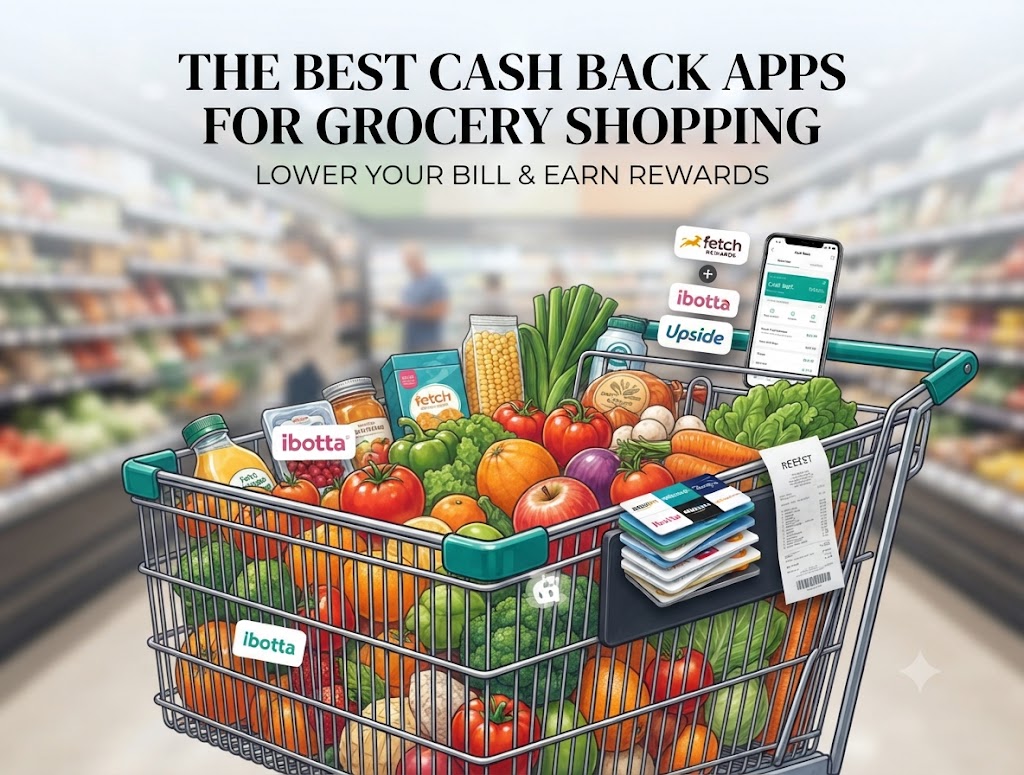
Let’s be honest—grocery shopping hurts right now. Every time you walk down the aisles, your cart feels a little lighter and your receipt feels a lot heavier. Well, you know, you don’t have to just accept paying full price for milk, eggs, and coffee. Actually, using the best cash back apps grocery shoppers rely on is one of the easiest ways to claw back some of that cash.
I’ve spent a lot of time testing out different tools for My Cash Back Reviews, and I think finding the right setup makes all the difference. You aren’t trying to spend hours clipping paper coupons like it’s 1995. You just want quick, effortless savings.
Here is how you can use the best grocery cash-back apps to save serious money on your next run.
1. Fetch Rewards (The Best Cash Back Apps Grocery Receipt Scanner)
If you hate scanning individual items or matching barcodes, Fetch is going to be your new best friend.
- How it works: You literally just snap a photo of any grocery receipt—whether you shopped at Wegmans, Aldi, Sam’s Club, or a local corner store. Points automatically drop into your account.
- Why it’s worth it: Every single receipt gives you points toward gift cards. It’s like a loyalty program for places that don’t even have loyalty programs.
- Pro Tip: If you want a quick head start, you can check out my guide on how to enter a code on the Fetch Rewards Referral Code post to grab a bonus when you sign up.
2. Ibotta (Best for Cash Back Apps Grocery Savings)
Ibotta takes a little more effort than Fetch, but the payouts are usually higher because you’re unlocking cash-back offers on specific brands.
- How it works: Before you head to the store, open the app and tap “add” on items you plan to buy (like a specific brand of pasta or Greek yogurt). Afterward, snap your receipt or link your store loyalty card.
- The catch: You have to remember to check the app before you shop. I’m not entirely sure, but I think most people forget on their first try or two—don’t worry, you’ll get used to the habit.
- Looking to clean up your phone? If you ever decide you’ve got too many apps cluttering your screen, I have a quick walkthrough on How to Delete Ibotta Account if you ever need it.
3. Upside (For Fuel on the Way Home)
Most people think of Upside purely as a gas app, but it has massive cash-back potential for convenience stores and grocery-adjacent stops attached to gas stations.
- How it works: Claim an offer in the app before you pump or buy, pay with your regular credit card, and check in.
- Why use it: Filling up your tank after loading up the car with groceries is inevitable. You might as well get cash back on both.
- Need help getting started? Read over my breakdown on the Upside Promo Code guide to make sure you lock in the best introductory rate.
Putting It All Together: Your Grocery Saving Strategy
Trying to use five different apps at once can feel like a second job, and honestly, you’ll probably burn out. Instead, keep it simple.
I recommend picking one receipt scanner (like Fetch) so you can scan every single grocery receipt without thinking twice, and pair it with one item-rebate app (like Ibotta) only when you’re buying name-brand items you already planned on purchasing.
Don’t buy things just because there’s a cash-back offer—that’s just spending money to save money, which defeats the whole point of frugal living. Stick to your list, scan your paper or digital receipts, and watch those small cash-back amounts stack up into free groceries over time.