
Let’s be real—pulling out a plain card feels a bit “blah” when you could be carrying a custom piece of art in your pocket. Whether you’re looking for sleek minimalism or full Barbiecore, exploring creative cash app card designs is the ultimate way to level up your wallet.
Transparency Note: My Cash Back Reviews is an independent site. I personally research Cash App card trends and design customization options to help you personalize your account safely. This post contains affiliate links; if you use them to sign up or use financial tools mentioned, I may earn a small commission at no additional cost to you, which helps support this site.
Pro-Tip: If you’re new to the app, you can actually get a free $5 bonus just for signing up. Well, actually, all you have to do is use referral code “HXMJDLC” during your setup. Check out our full guide on how to redeem your $5 bonus to make sure you don’t miss out!
How to Customize Cash App Card Designs
It’s super simple to get started. Just follow these steps in your app:
- Open Cash App and tap the Cash Card icon (the little rectangle).
- Hit Design a New Card.
- Choose your base color. While the black and white cards are free, premium styles like Glow-in-the-Dark or Metal usually have a fee.
- Use the customization tools to add stamps, emojis, or your own freehand drawings.
Pro-Tip: If you’re replacing an old card, there is usually a $5 fee. Think of it as a small cover charge for a much cooler-looking card.
Top Aesthetic Cash App Card Designs for 2026
I’m not entirely sure what your specific style is, but the data shows these three “vibes” are winning the internet right now:
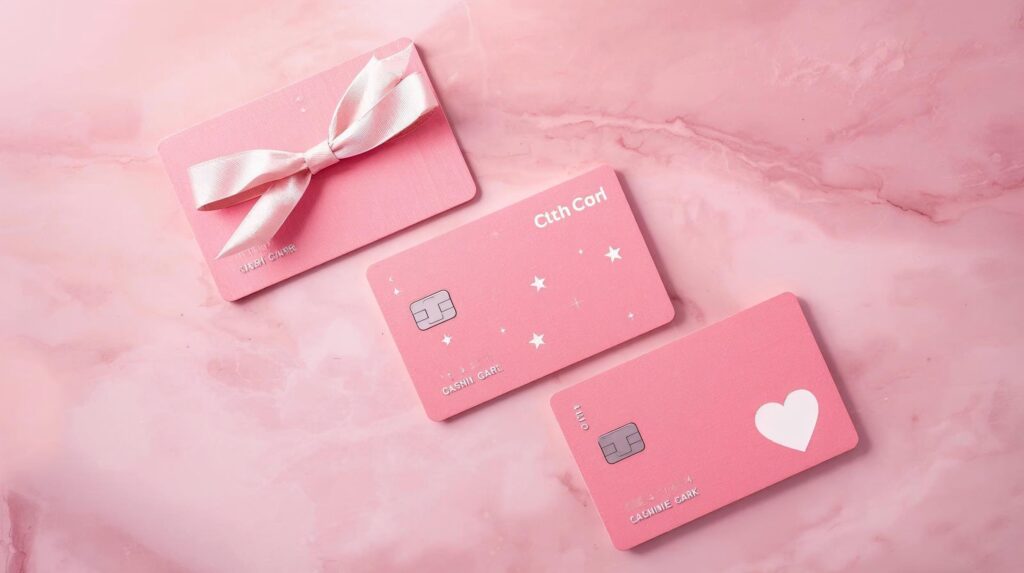
1. The “Cute & Coquette” Look
- The Bow Trend: Use the drawing tool to add dainty ribbons in the corners.
- Star Clusters: Use the built-in star stamps to create a “galaxy” effect around the chip.
- Pink Everything: If you can get your hands on a pink base, a simple white heart emoji in the center is all you need.
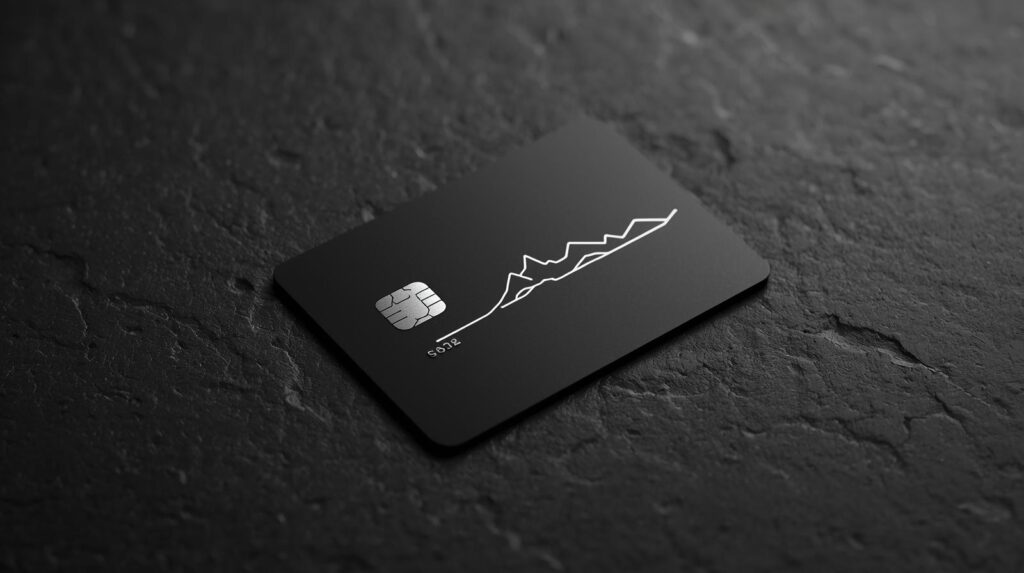
2. Sleek & Minimalist (The Black Card Vibe)
If you want to look like a high roller, less is definitely more.
- Line Art: Try drawing a single continuous line that forms a face or a mountain range.
- Monochrome: Use black ink on a black card for a “stealth” look that only shows up in certain lighting.
- Angel Numbers: I think adding “222” or “444” in a clean font looks incredibly sharp and intentional.
3. The “Hustle” Personal Brand
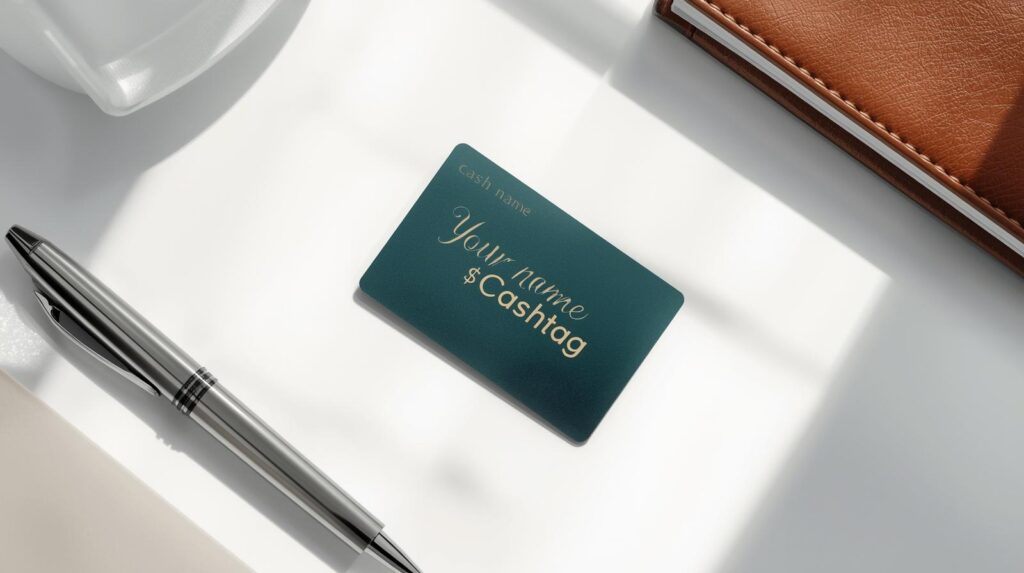
Are you a creator or small business owner? Use your card to reflect your brand.
- Custom $Cashtag: Write your tag in your best handwriting so people know exactly who they’re paying.
- Logo Design: If you have a simple logo, try to recreate it freehand using the pattern tool to repeat it across the card.
3 Rules for Clean Cash App Card Designs
I’ve seen a lot of messy cards, and trust me, you don’t want that. Follow these rules:
- Avoid the “Dead Zones”: Your card has a chip and a logo. If you draw over them, it’s going to look cluttered—and maybe even fail at the register.
- Use the Built-in Stamps: Well, you know those little emojis in the app? Use them! They stay crisp and don’t look like a shaky doodle.
- Keep it Bold: Thin lines often don’t print well. Use thicker strokes if you’re drawing by hand.
The Customization Aesthetic: Pro-Tips
Beyond just picking a “cute” design, your Cash App card is a functional tool. Here is how I make sure my design stays looking good while remaining practical:
- The “Clear” Card Care: If you opt for one of the transparent designs, keep it away from heavy keys or abrasive surfaces in your wallet. These cards show scratches more than the solid-colored versions.
- Function Over Fashion: Remember that once you order a custom card, you can’t easily change the design without potentially deactivating the old one. Choose a classic aesthetic (like Minimalist or Matte Black) if you think your style might change in a few months.
- The “Lamination” Myth: Never try to lamine or add stickers to your Cash App card yourself to “protect” the design. Most ATMs and card readers will reject a card with extra thickness or residue, which could leave you stuck without funds in a store.
Frequently Asked Questions
- How much does it cost? A basic black or white card is free, but custom designs or premium colors can range from $5 to $50 for metal.
- How long does it take to arrive? Your custom masterpiece should arrive at your door in about 7-10 business days.
- Can I change it later? Yes, but you’ll have to pay the redesign fee each time!
Looking for specifically girly vibes? Check out our [Full Guide to Pink Cash App Card Designs]!