
Returning an item on Amazon shouldn’t be a hassle. This guide will walk you through the Amazon return product process, step-by-step, ensuring a smooth experience. But what happens to your returned item? Amazon prioritizes giving products a second life, minimizing waste, and maximizing reuse. Let’s delve deeper!
Saving Tip: Since you’re already returning items to save money, make sure you’re using the 2026 Upside vs GasBuddy hack to save up to 25¢ at the pump today!
Conquering Confusion: The Amazon Return Process
1. Hassle-Free Support: Amazon strives to help you find the perfect product through features like “Frequently Returned item” badges and “Virtual Try-On.” They also provide free product support to assist with setup, troubleshooting, or replacements.
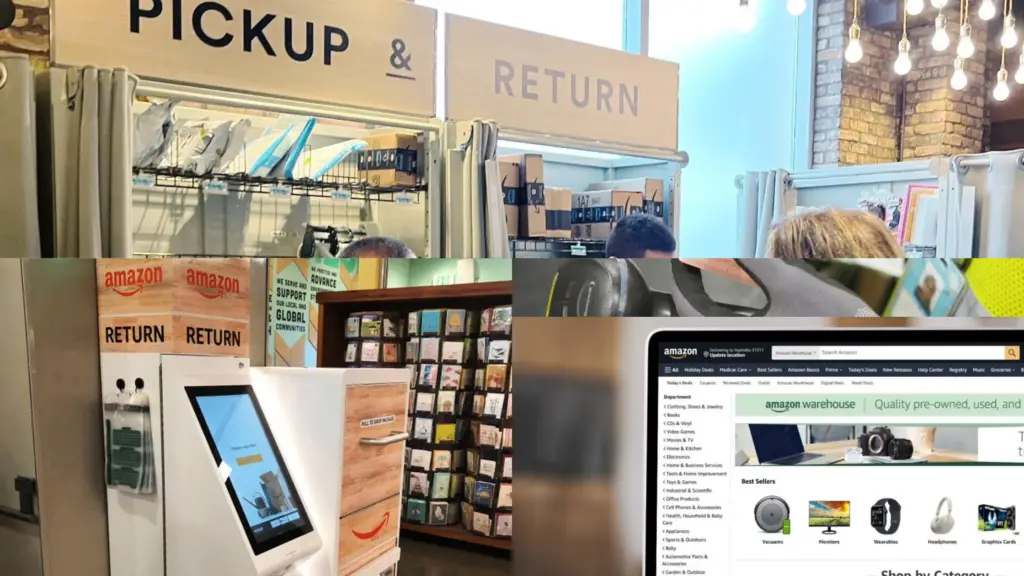
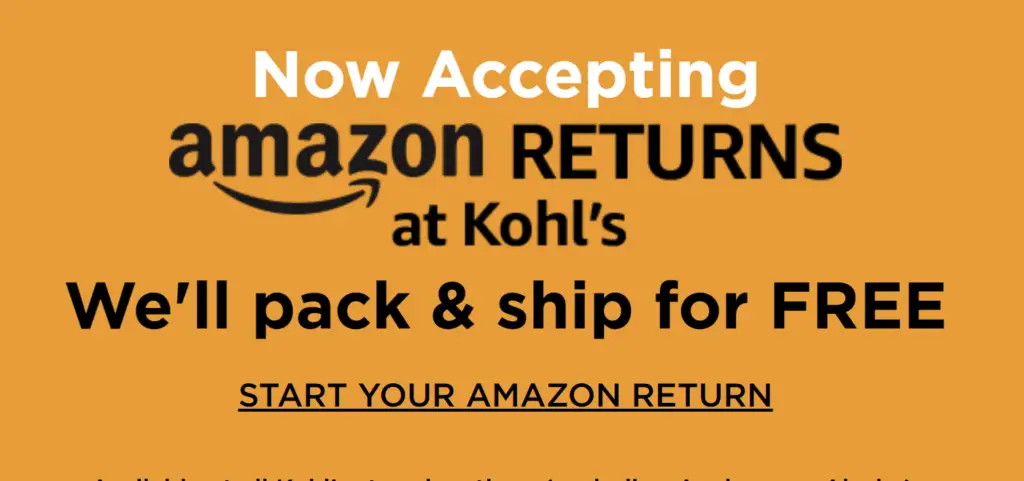
2. Convenient Returns: If a return is needed, Amazon offers over 8,000 drop-off locations, often within a 5-mile radius! These include Amazon stores (Whole Foods Market, Amazon Fresh), partners (Staples, Kohl’s), and return kiosks at select Whole Foods locations for quick returns. For many items, you can even use the original packaging!
3. Speedy Refunds: Amazon prioritizes swiftness. Approximately 90% of eligible refunds are issued within five hours of receiving your return.
4. Sorting and Inspection: Returned items are sent to dedicated Amazon return centers for meticulous inspection. The goal? Determine if the item meets Amazon’s high standards for resale. This involves evaluating packaging, confirming item descriptions, and assessing any damage.
Amazon Return Button Not Working – Here’s What You Can Do.
5. Second Life for Returned Items:
- Resold as New or Used: The majority of returns are given a second chance as “new” or “used” products.
- Amazon Warehouse: Items that can’t be sold new may find a home at Amazon Warehouse. Here, you’ll find great deals on quality used, pre-owned, or open-box products with detailed condition descriptions (“Like New,” “Very Good,” etc.).
- Repaired and Liquidated: Specialty vendors partner with Amazon to repair certain items (electronics) for liquidation.
- Donations: Products with good functionality but damaged packaging are donated to families and individuals through Amazon’s partner, Good360. This partnership has positively impacted over 30 million people in the U.S. in the past five years!
- Recycling: When other options are exhausted, Amazon explores responsible recycling practices.
Suggested reading: Here’s How To Print Your Receipts From Amazon App
Remember: You can track your return progress through “Your Orders” on your Amazon account.
Understanding “Returnless Refunds”: Why Amazon Sometimes Says Keep It
You may have noticed that occasionally, Amazon tells you to keep or donate an item rather than shipping it back. This isn’t a mistake; it is a calculated business decision. Here is why:
- Logistics Costs: For low-cost or bulky items, the cost of paying for return shipping, inspection, restocking, and potential disposal often exceeds the value of the product itself.
- Storage Constraints: Amazon’s fulfillment centers have finite space. They prioritize “fast-moving” inventory, and returned items that are difficult to sell as “new” are often a liability.
- Customer Loyalty: By allowing you to keep the item, Amazon eliminates the friction of visiting a return drop-off point. It turns a negative experience (a faulty product) into a surprise “win” for the customer, which significantly increases long-term loyalty.
- Sustainable Practices: In some cases, it is more environmentally friendly to allow a customer to keep or donate an item rather than creating additional carbon emissions through unnecessary reverse logistics.
By understanding the Amazon return product process and Amazon’s commitment to a second life for products, you can return items with confidence, knowing you’re contributing to a more sustainable future. For a deeper dive into Amazon’s sustainability efforts, explore their Sustainability Report.
Remember: Always check the ‘Return or Replace’ status in your order history first. Sometimes the simplest solutions are right in your account settings!